
Release Note Version 26.1.0
23. February 2026
BIM²form 26.1 is here!
New Year, new BIM²form! New features are live, crafted to give you the best headstart into 2026, simplifying your day-to-day work. Let’s dive into what’s changed.
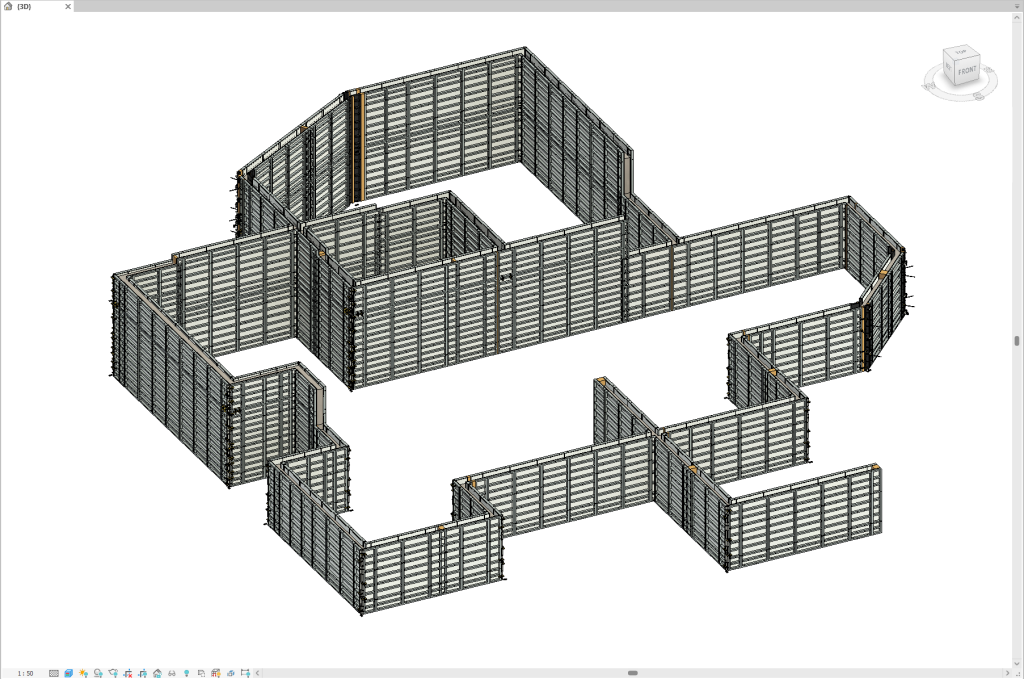
Fully Automated Forming for MEVA
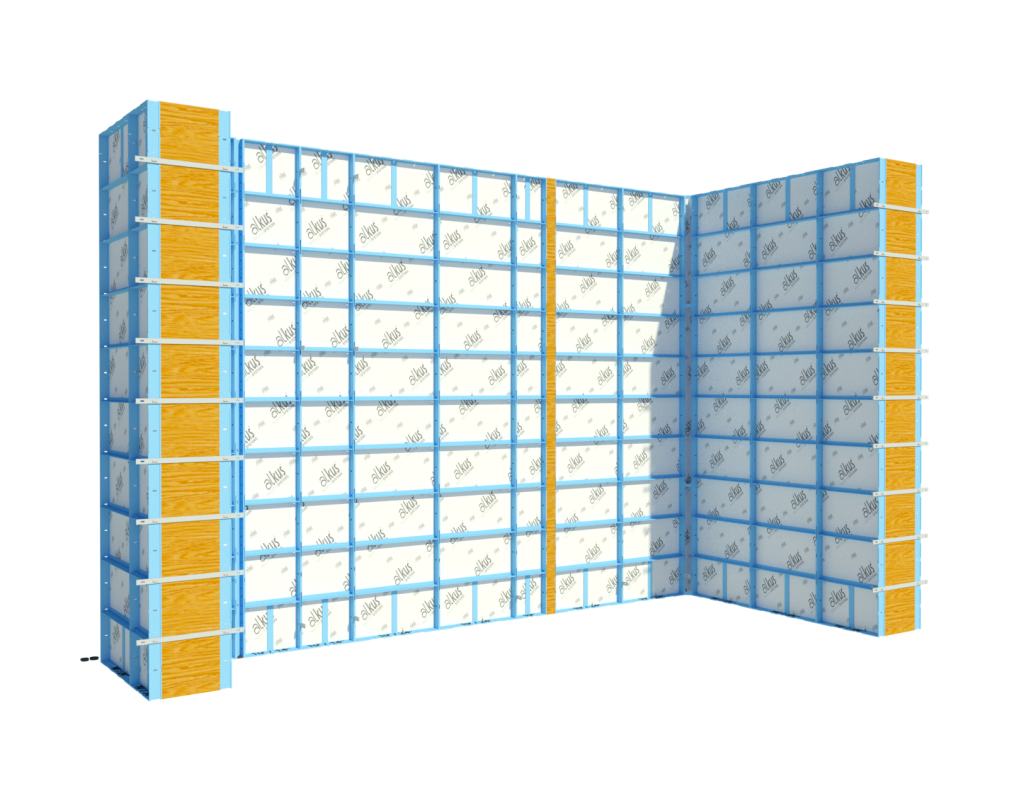
New System: Steel-Ply
Many of you asked, we listened! Steel-Ply is now available for automized planning with BIM²form.
News
Trial unlocked for 21 days
We extended our trial period so you can now try BIM²form for 21 days without any obligations!
Full Revit 2026 support
BIM²form is now available for Revit 2026! Other available versions are Revit 2024 and 2025.
FEATURE BOOSTS & BUGFIXES
FEATURE BOOSTS
- Make plans in seconds: Boosted performance for wall formwork systems.
- Collaborate with project partners: apply BIM²form functions on Linked Models!
BUGFIXES
- Disappearing BIM²form tabs due to authorization errors.
- Open Innovation Forming commands applicable to Revit Parts on Wall Segments.
- Detection of Timber Fillers placed by command "Part Wall Types" reactivated for Forming commands.
- Forming pillar templates fixed for same & different wall thicknesses
More updates under the manufacturer news tabs
Updates for MEVA

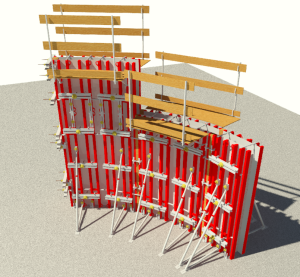
New System: MEVA RADIUS
Make designing curved formwork easy: MEVA RADIUS circular formwork is now available for automized planning.
FEATURE BOOSTS
- All in one: The new options for automatic placement of Scaffolding Brackets and Brace Frames place every element in one go.
- Easier formwork stripping on site: Place compensations mid wall.
- Perfection down to detail: Place accessories exacly where you want them with Points Commands for Ties & Locks.
- Matches made high up: Fill big areas with modular slab and compensate remaining areas left with H20 beams.
BUG FIXES
- Reference of Brace Frames to the working level has been corrected
- Changing Project Language command fixed
- Several aspects of the XT system series have been revised.
CONTENT
- New elements for Mammut XT and Alu Platforms available.
Updates for PERI

New Feature: Wall Offsets
New Part Wall Type "Wall Offset" is finally available for PERI DUO, TRIO and MAXIMO systems.
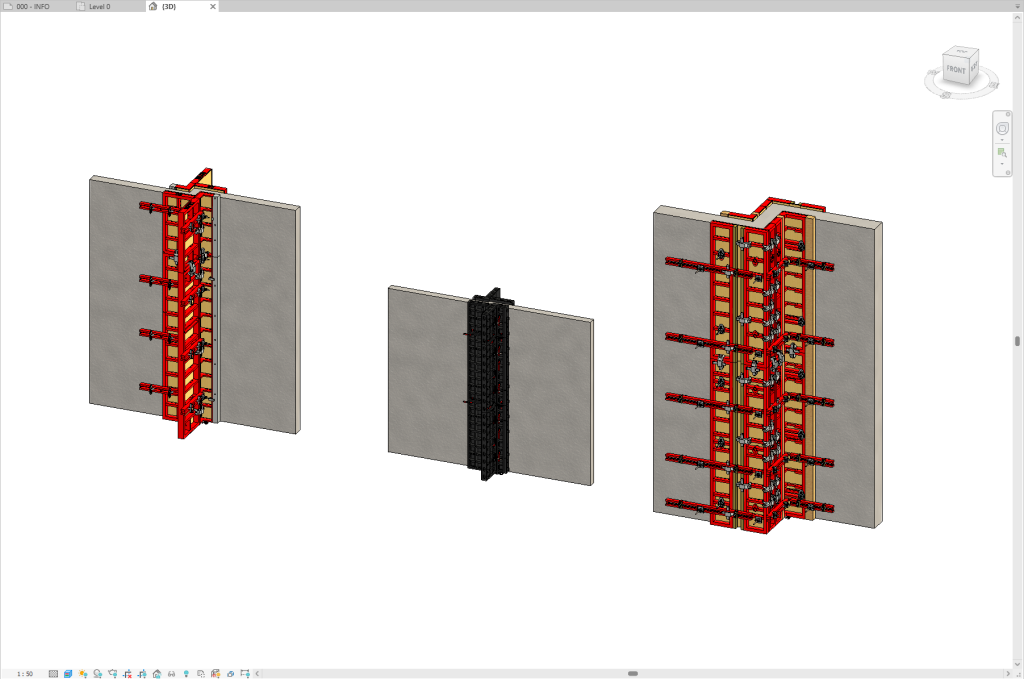
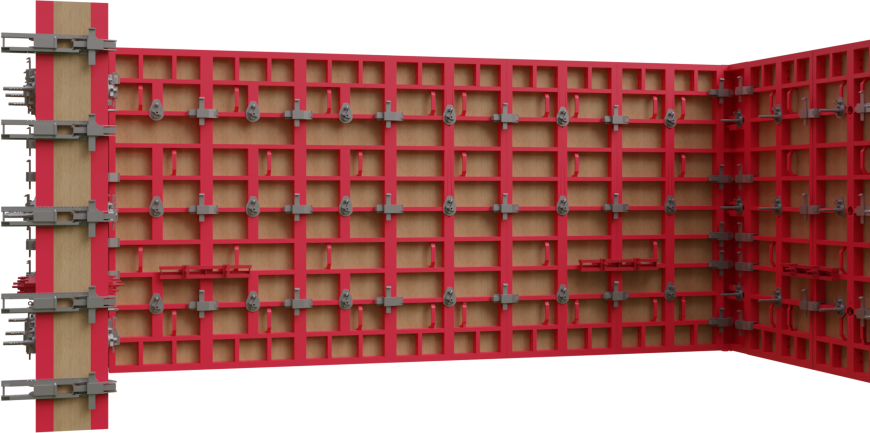
New Generation of PERI MAXIMO
Digital planning with detail: The of the new generation of MAXIMO formwork is now available in BIM²form including new elements in the content library.
Learn what´s new with the new generation of MAXIMO.
FEATURE BOOSTS
Updates for Uni-span

New System: Economy Form Panel (E/F Panel)
With the Economy Form Panel system we have implemented two completely new forming methods:
Var. 1: Braced with scaffolding tubes
Var. 2: With channel walers and soldiers

BUG FIXES
- Tripod integrated for UniFlex
- Top offset for UniStage towers adjusted & placement of fork heads corrected
Updates for Steel-Ply
STEEL-PLY
New System: Steel-Ply
Many of you asked, we listened! Steel-Ply is the first system that has been implemented by us under our own Manufacturer branding BIM² to serve our customers specifically in the North American market. The system is now available for automized planning and all essential features with BIM²form. Be the first to try it!
Updates for Ringer

No manufacturer-specific updates for Ringer are included in this release.
Thank you to our community for your continued input—your feedback drives our innovation! Let us know how BIM²form 26.1 helps optimize your workflows.